Amazon S3 Best Practices: Storage, Security & Cost Optimization
Amazon S3 is the most widely used AWS service and often the largest line item on your bill after EC2. Whether you are storing application assets, backups, logs, or data lake files, getting S3 right from the start saves you money and keeps your data safe.

Storage Class Selection
Not all data needs the same level of access. S3 offers multiple storage classes, and choosing the right one can cut costs dramatically.
S3 Standard is the default and works well for frequently accessed data. But if you are storing logs, backups, or archives that are rarely touched, you are overpaying.
S3 Intelligent-Tiering automatically moves objects between access tiers based on usage patterns. It is the safest choice when you are unsure about access frequency — there is no retrieval fee and the monitoring cost is minimal.
S3 Glacier and Glacier Deep Archive are ideal for compliance archives and long-term backups. Deep Archive costs as little as $1 per TB per month, but retrieval takes hours.
Lifecycle Policies
Set up lifecycle rules to automatically transition objects between storage classes and delete expired data. A common pattern:
- After 30 days: Move to S3 Standard-IA
- After 90 days: Move to S3 Glacier
- After 365 days: Move to Glacier Deep Archive
- After 7 years: Delete (if compliance allows)
Without lifecycle policies, old data sits in S3 Standard forever — and you pay full price for it.
Security Hardening
S3 buckets are one of the most common sources of data breaches in AWS. Follow these rules:
Block Public Access — Enable the account-level S3 Block Public Access setting. This is a single toggle that prevents any bucket in your account from being made public, regardless of individual bucket policies.
Bucket Policies — Use explicit deny statements for sensitive buckets. Never use wildcard principals unless you have a very specific reason.
Encryption — Enable default encryption (SSE-S3 or SSE-KMS) on every bucket. SSE-S3 is free and automatic. Use SSE-KMS when you need audit trails or cross-account access control.
Access Logging — Enable server access logging or use CloudTrail data events to track who is accessing your objects and when.
Cost Optimization Tips
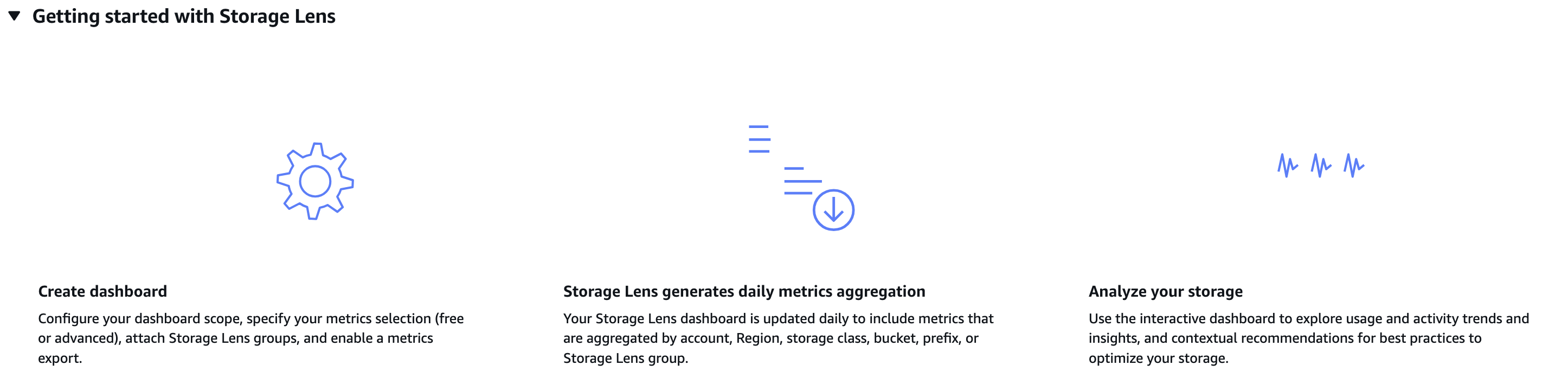
Monitor with S3 Storage Lens — This free dashboard shows you storage usage, activity metrics, and cost optimization recommendations across all your buckets.
Use S3 Inventory instead of LIST API calls. If you have millions of objects and need to audit them regularly, Inventory reports are cheaper and faster than listing objects programmatically.
Multipart Upload Cleanup — Incomplete multipart uploads consume storage but are invisible in the console. Add a lifecycle rule to abort incomplete multipart uploads after 7 days.
Requester Pays — If external parties are downloading large datasets from your buckets, enable Requester Pays so they cover the data transfer costs.
Versioning Strategy
Enable versioning on critical buckets to protect against accidental deletes. But be aware that every version of every object is stored and billed. Combine versioning with lifecycle rules to expire old versions after a set period.
A good default: keep the current version plus 2 previous versions, and expire anything older than 90 days.
Performance Optimization
Use S3 Transfer Acceleration for uploads from geographically distant clients. It routes traffic through CloudFront edge locations for faster transfers.
Parallelize uploads and downloads — The AWS SDK supports multipart uploads and byte-range fetches. For large files, this can improve throughput by 3-5x.
Prefix design matters less now — S3 removed the old 100 requests-per-second-per-prefix limit in 2018. You can now get 5,500 GET and 3,500 PUT requests per second per prefix without any special partitioning.
The Bottom Line
S3 is deceptively simple to use but easy to misconfigure. The difference between a well-managed S3 setup and a neglected one can be thousands of dollars per month and a significant security risk. Start with lifecycle policies, lock down public access, and use Storage Lens to keep an eye on costs.